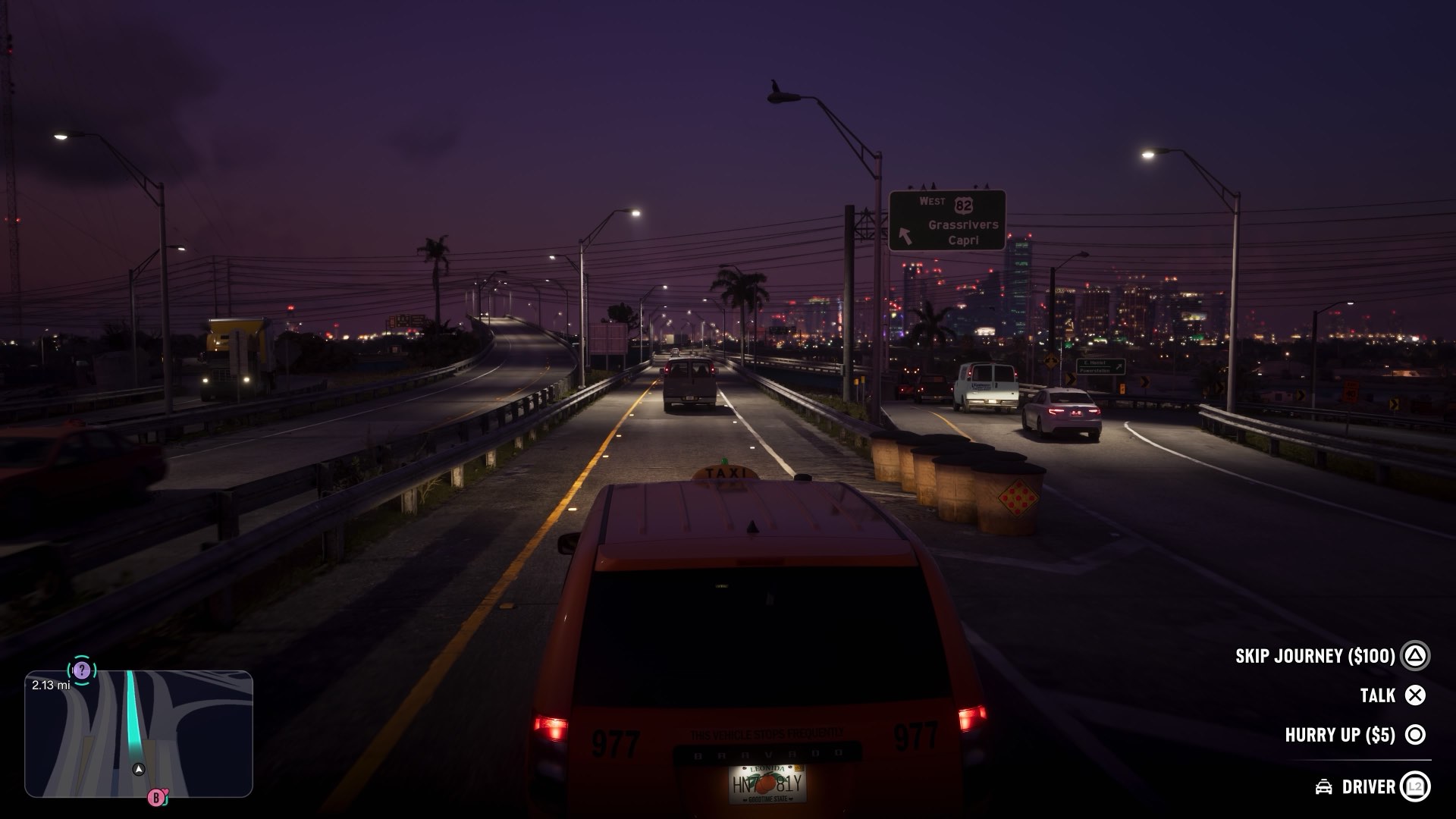
You save GTA 6 from the pause menu. Open it, go to the Game tab, choose Save and pick a slot. There are 15 slots for your own saves, plus an autosave the game keeps on its own. You do not need to go home or find a bed, and it takes a few seconds anywhere in the open world.
Two things trip people up in the first hours. The game will not let you save at all during the opening, and it will not let you save during a mission. Both are by design. Further on, there is a better reason to keep more than one save: GTA 6 has no mission replay, and some side missions disappear when a chapter ends. A save made at the right moment is the only way back.
How to save manually
- Press the Options button on PS5, or the Menu button on Xbox, to pause.
- Move to the Game tab.
- Choose Save.
- Pick a slot and confirm with Cross on PS5 or A on Xbox. An empty slot makes a new save. A used slot is replaced by the new one.
Each save is labeled with the name of the last mission you finished and your completion percentage, so a slot might read Gone Fishing (3%). The date and time sit next to it, and the counter in the corner shows which of the 15 slots you are on. There is no way to type a name of your own, so the mission name is how you will tell them apart later.
When you cannot save
If the Save option is missing or greyed out, one of three things is going on.
- You are still in the opening. Saving is switched off for the whole first stretch of the game. Players who are further along report that it unlocks once the first lead reaches his house by the water, after the first job. Until then, the game saves for you at the checkpoints it chooses.
- You are in a mission. Manual saving is blocked from the moment a mission starts until it ends. Missions have checkpoints of their own, so failing sends you back to the last one rather than to your save.
- A cheat is active. Cheats only unlock after the story, but once you use one, saving is off until you close the game and start it again.
The first point is the one that worries new players most, because the opening lasts a few hours and the pause menu gives no reason. Nothing is wrong. Play to the point where you are free to roam and the option appears.
How autosave works
The game autosaves after missions and after events in the open world. All of those go into one autosave slot, and each new autosave replaces the last. That is enough to protect you from a crash or a power cut, but it is not a way back: once the autosave moves on, the moment before it is gone.
If you only ever rely on the autosave, you have exactly one point in time to return to, and it is always the most recent one. The 15 manual slots exist so that you do not have to live like that.
Why you should keep more than one save
In GTA 5 you could replay any finished mission from the menu, so a careless save cost you nothing. GTA 6 does not have that. Once a story mission is done, the only way to play it again is to load a save from before it. Players who have finished the game also report that some side missions belong to a chapter and vanish when that chapter ends, including a short strand early in the first chapter.
Reports differ on whether the story has more than one ending, and we will not say more than that here. A save kept from before the last run of missions costs you one slot and settles the question for you later.
A routine that covers all of this without much thought:
- Keep one slot as your rolling save and overwrite it whenever you stop playing.
- Make a fresh save in a new slot at the end of each chapter, and whenever a mission feels like a point of no return. Leave that slot alone.
- Make a save before any heist. If it goes wrong, or you want to try a different approach, you can.
- Do not carry a lot of cash to a save. Money on you is lost if you die or get arrested, while money in the bank or the stash at your safehouse is not. Deposit first, then save.
Loading a save
To go back to a save, pause, open the Game tab and choose Load, then pick the slot. Expect the autosave to be listed alongside your own saves. Loading replaces where you are now, so if you want to keep your current position, save it to a spare slot first.
Saves are tied to your console account and are backed up to the cloud in the usual way: PlayStation Plus cloud storage on PS5, and automatically on Xbox. If you play on more than one console, make sure the latest save has uploaded before you switch.
What we have checked ourselves: the menu path, the 15 slots and how saves are labeled. The points about the opening, autosave, missing side missions and endings come from players who are further into the game than we are, and we will mark each one as confirmed as we reach it.
GTA 6 cheats, and why using one switches saving off
How long the GTA 6 story takes, chapter by chapter
Quick answers
How do you save in GTA 6?
Pause the game, go to the Game tab, choose Save and pick one of the 15 slots. You can do this anywhere outside a mission. No bed or safehouse is needed.
Why can't I save in GTA 6?
Saving is switched off during the opening hours of the game and during every mission. It also switches off for the rest of the session if you use a cheat. Outside those cases, the Save option is in the pause menu under Game.
How many save slots does GTA 6 have?
15 manual slots, plus one autosave slot that the game overwrites each time it autosaves.
Does GTA 6 autosave?
Yes, after missions and open-world events, into a single autosave slot. Each new autosave replaces the previous one.
Can you replay missions in GTA 6?
No. There is no mission replay menu. The only way to play a finished mission again is to load a manual save made before it.