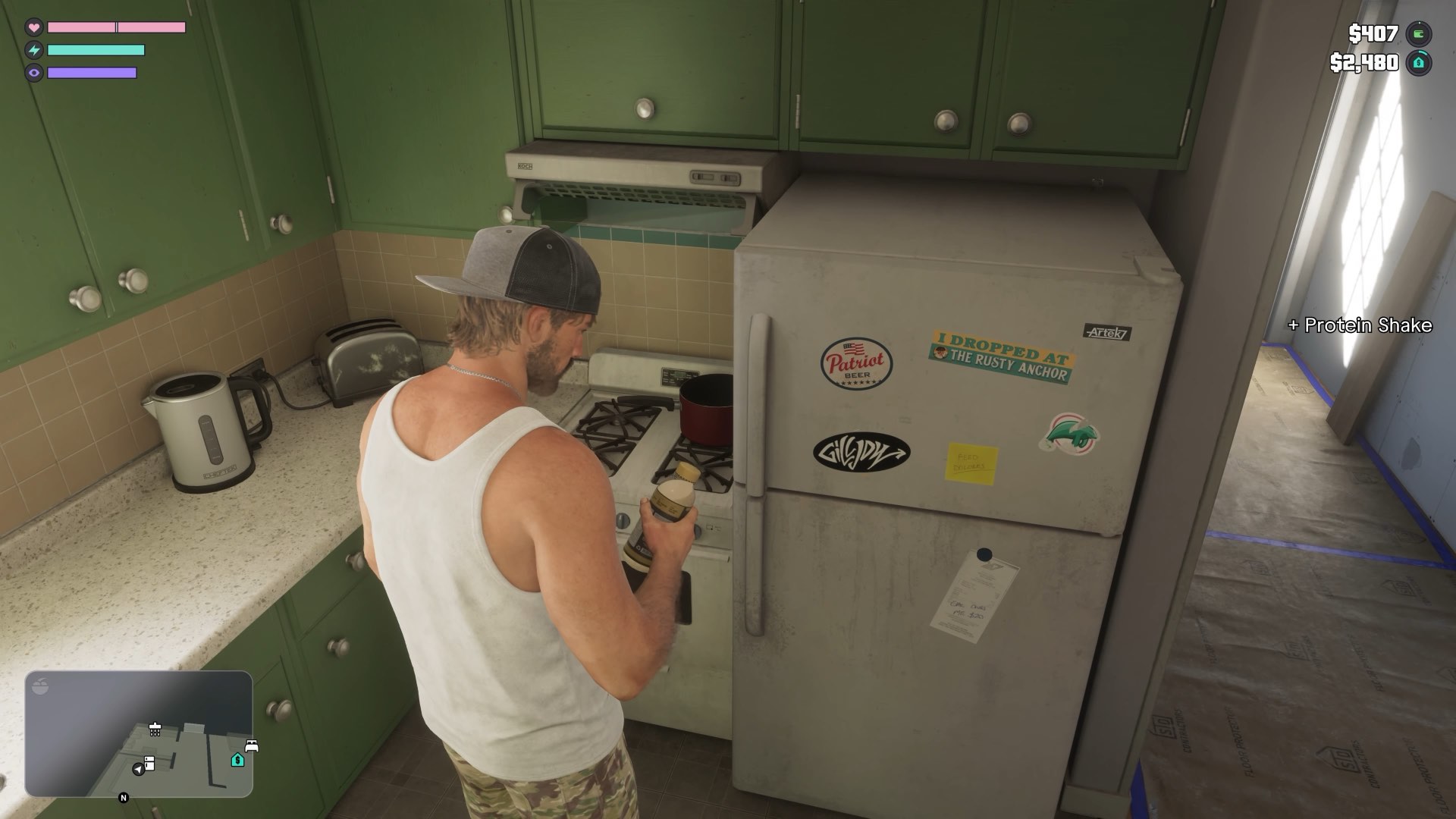
GTA 6 is the biggest game to stream or record this year, and also one of the easiest to get wrong. A muted video, grey washed-out footage, a black screen on your capture card or a private message popping up live can all happen in your first ten minutes. Each one has a setting that prevents it. Change these five before you press record or go live.
1. Turn on Mute Licensed Music
This is the one that costs creators the most. The radio stations in GTA 6 play real, licensed songs. The license covers the game, not your stream. When one of those songs plays in your video, Twitch can mute that part of the recording, YouTube can claim the video or block it, and repeated copyright complaints can put the whole channel at risk.
GTA 6 has a setting made for this, called Mute Licensed Music. Check that it is on before every session you plan to publish.
- Pause the game and open Settings.
- Move across to the Audio tab, the last one in the row. R1 on PS5 or RB on Xbox moves one tab to the right.
- In the Setup section, switch Mute Licensed Music to On.
The game describes the setting in one line: it mutes any licensed music. The songs are silenced, not swapped for other music, and if you have captions on they will still show for the music that is muted. Turn the setting off again when you play for yourself, so you get the full soundtrack back.
We still suggest a quick check before your first stream. Record two minutes privately with the radio on, upload it unlisted and see whether anything gets flagged before you go live to an audience.
2. Turn off HDR, unless you publish in HDR
HDR looks great on your own TV. It is also the usual reason captured gameplay looks grey and flat. Twitch does not show HDR, most capture cards do not handle it well, and an HDR clip dropped into a normal video edit loses its color. If you are not deliberately making HDR videos, switch it off on the console before you record.
- PS5: open Settings, then Screen and Video, then Video Output, and set HDR to Off.
- Xbox Series X and Series S: open Settings, then General, then TV and display options, then Video modes, and untick Allow HDR10.
- Switch it back on when you play off camera.
3. PS5 with a capture card: turn off HDCP
If you record through a capture card, a PS5 will give you a black screen until you switch off HDCP, the copy protection on the HDMI signal. The catch is that you cannot change it once the card is connected, so do it first.
- Plug the PS5 straight into your TV.
- Open Settings, then System, then HDMI, and switch off Enable HDCP.
- Now connect the PS5 through the capture card.
Video apps such as Netflix will not play while HDCP is off, so turn it back on when you want them. On Xbox there is nothing to change: games are not copy protected on the HDMI output. If you broadcast with the console's own built-in streaming, you can skip this step on both.
4. Hide pop-up notifications
Messages, party invites and friends coming online all appear as pop-ups, and by default they appear on your stream too. That shows your friends' names and the first line of private messages to everyone watching.
On PS5
- Open Settings from the home screen, then choose Notifications.
- Switch off Allow Pop-Up Notifications. This hides every pop-up, and is the setting to use if you record with a capture card.
- If you would rather keep some pop-ups, leave it on and switch off Show Preview instead, so the text of a message never appears on screen.
- Further down, each kind of pop-up, such as When Friends Go Online, can be set to hide during videos and broadcasts.
On Xbox
Open Settings, then Preferences, then Notifications, and switch off notification banners.
5. Know Rockstar's video rules before you post
Rockstar has one policy for videos and streams of all its games, last updated in January 2025. There is no separate version for GTA 6. In short:
- Playing the game on stream or in videos is fine, cutscenes included, as part of a full playthrough or a narrated Let's Play.
- Videos of the ending, cutscenes cut together on their own, or other big story reveals can be taken down.
- Footage from leaked or pre-release copies is always taken down.
- The policy is written for non-commercial use, which it describes as not making money from the footage. Many GTA channels and streams do earn money and are left alone, but the policy does not promise that, and Take-Two, Rockstar's parent company, keeps the right to have any video removed.
- If you are unsure about a video, the policy gives an address to ask: copyright@take2games.com.
Most of your audience has not finished the story either. Put a clear spoiler warning in the title when you stream story missions, and keep twists and endings out of thumbnails.
Read Rockstar's full policy on posting game footage
Before you go live: a two minute test
- Record two minutes with the radio on, then watch it back. Check the color, the sound and that no pop-ups appear.
- Upload it as an unlisted or private video and wait to see whether any music is flagged.
- Set your stream to 30 frames per second. GTA 6 runs at 30 on every console, so a 60 frame stream only wastes bitrate.
Why GTA 6 runs at 30 fps on every console
Quick answers
Will GTA 6 music get my stream muted?
It can. The radio plays licensed songs, and Twitch and YouTube act on copyrighted music. Before you stream or record, open Settings, go to the Audio tab and switch Mute Licensed Music to On.
Where is Mute Licensed Music in GTA 6?
Pause the game, open Settings and go to the Audio tab. Mute Licensed Music is in the Setup section.
Should I stream GTA 6 in HDR?
Usually not. Twitch does not show HDR and HDR footage often looks grey and washed out once captured. Turn HDR off on the console unless you publish HDR videos on purpose.
Why is my capture card showing a black screen with GTA 6 on PS5?
HDCP is still on. Connect the PS5 directly to the TV, open Settings, System, HDMI, switch off Enable HDCP, then reconnect through the capture card.
Can I make money from GTA 6 videos and streams?
Rockstar's video policy is written for non-commercial use and does not give permission to earn from footage. In practice many monetized GTA channels are left alone, but Take-Two keeps the right to have videos removed. If in doubt, ask at copyright@take2games.com.
Do I need to turn off HDCP on Xbox to capture GTA 6?
No. Xbox Series X and Series S do not copy protect games on the HDMI output, so a capture card works without changing anything.