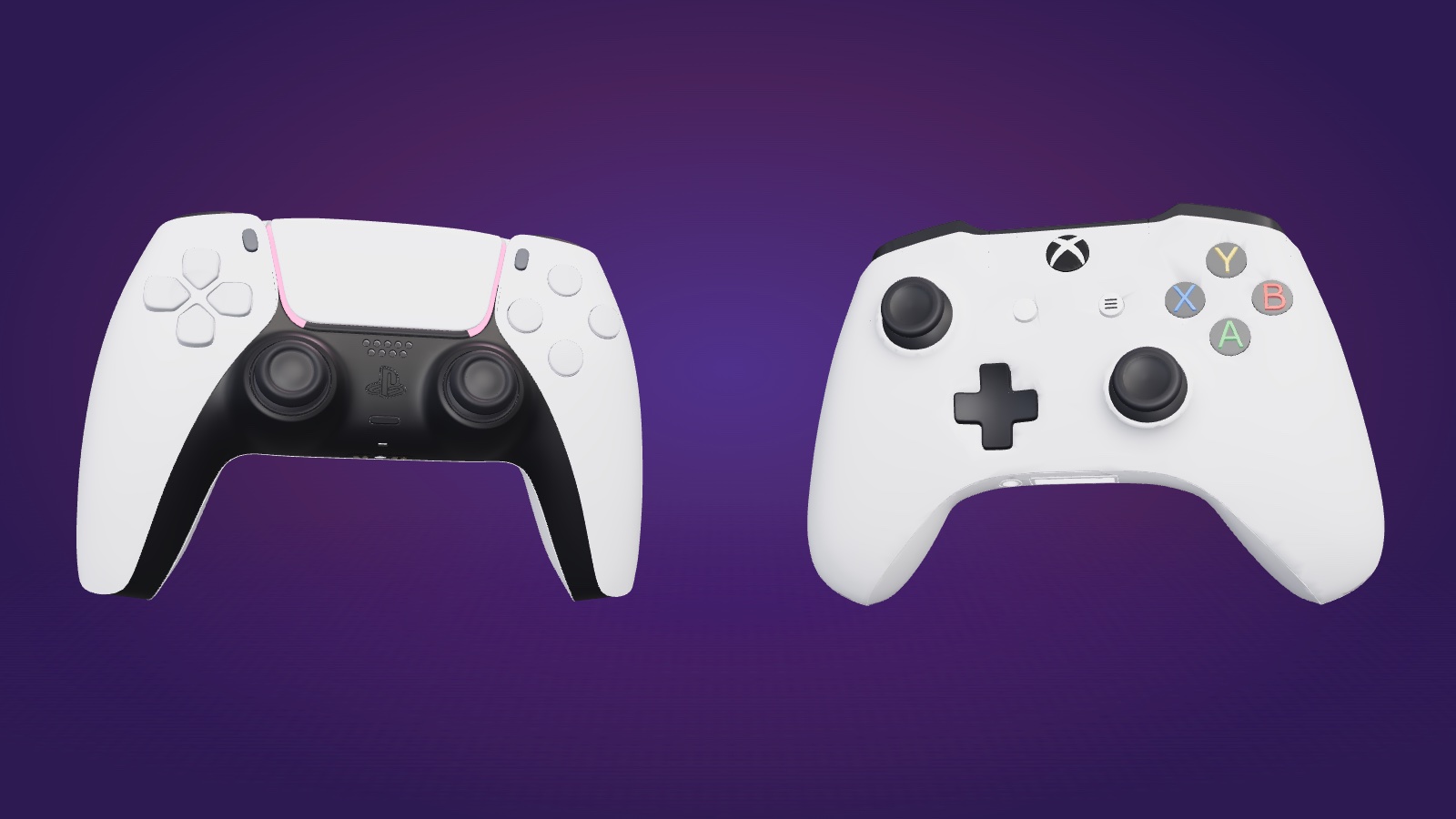
GTA 6 gives several buttons two jobs. R2 shoots on foot but accelerates in a car, where shooting moves to R1. Circle crouches on foot and switches the headlights on in a vehicle. Pick your controller and type what you want to do: the button lights up on the 3D controller below. Drag the controller to turn it, and tap any button on it to see everything that button does. The first lines in each list are the game's own control screens; below them are the moves our guides cover, from getting into a car and fishing to taxis and cheat codes, each linked to its guide.
Free tool
GTA 6 Controls Lookup: Interactive 3D PS5 and Xbox Controllers
Type an action in GTA 6, like crouch or photo mode, and see the button light up on a 3D PS5 or Xbox controller. Every on-foot, driving and menu control.
By Leonida Desk · Updated
Controls lookup
Which button does it in GTA 6?
Loading the 3D controller
3D model: PS5 Controller by Taohid Animation, CC BY 4.0, compressed and re-tinted for this page. An unofficial recreation, not a Sony product.
Try:
- From our guides
The control screen lists this as Interact
The control screen lists this as Interact
Players and guides report · Read the guide
As most guides report · Read the guide
From the game's own control screens on PS5. Xbox buttons are the ones in the same position on the Xbox controller.
Buttons that change when you get in a vehicle
| Button (PS5 / Xbox) | On foot | In a vehicle |
|---|---|---|
| R2 / RT | Shoot | Accelerate |
| R1 / RB | Take cover | Shoot |
| L2 / LT | Hold to aim | Brake and reverse |
| L1 / LB | Hold for the weapon loadout | Holster your weapon |
| X / A | Jump or climb | Handbrake |
| Circle / B | Crouch, or hold to rest | Headlights |
| Triangle / Y | Interact | Exit the vehicle |
| L3 / click the left stick | Run (each press steps through three speeds) | Horn, or nitrous |
Where this list comes from
The game's own control screens on PS5, one for on foot and one for land and water vehicles, plus the prompts in the pause menu. We play on PS5, so the Xbox button is the one in the same position on the Xbox controller: Cross is A, Circle is B, Square is X, Triangle is Y, L1 and R1 are LB and RB, L2 and R2 are LT and RT, the touchpad is View and Options is Menu. If your Xbox shows something different, tell us with the feedback buttons below.
GTA 6 controls guide: every button, with screenshots of the control screens
The GTA 6 settings worth changing first
Quick answers
Why does X do different things on PS5 and Xbox?
On PS5, X is the bottom face button, which jumps and selects. On Xbox the bottom button is A, and X is the one on the left, which punches. Pick your controller at the top of the lookup and it shows the right one.
Are the controls the same on PS5 Pro?
Yes. The PS5 Pro uses the same DualSense controller and the same layout as the PS5.
How do I run faster in GTA 6?
Click the left stick: L3 on PS5, LS on Xbox. You have three speeds, walk, jog and run, and each press moves to the next one.
What does the ring around a button mean on the game's control screen?
That the button is held, not tapped. The lookup marks those with a Hold tag, and on the 3D controller a held button stays pressed while a tapped one bobs: tap Circle to crouch, hold it to rest.
Where do the lines marked From our guides come from?
From our own guides, which the link under each line opens. The game's control screens list only the basics, so these add things like getting into a car, fishing, anchoring a boat, taxi rides and cheat codes. Where a guide rests on player reports, the line says so.
Why does the 3D controller not show?
It needs WebGL and a download of about 1.4 MB for the PS5 controller or 0.8 MB for the Xbox one, which starts when you scroll to it. On a slow connection give it a moment. If your browser cannot show it, the list of buttons works on its own.